RF CONNECTIVITY COMPONENT
onelinkmore U.FL Mini PCI to Reverse Polarity SMA Pigtail Antenna WiFi Router Cable Antenna Mini PCI to RP SMA Coaxial Cable for WiFi Router Gateway Wireless PCIE Network Card Pack of 100
Артикул:OL-3457-100X
Не удалось загрузить сведения о доступности самовывоза
Customized Services
Customized Services
Need a different connector, cable length, antenna configuration or labeling? Send us your specifications for review.
Shipping Methods
Shipping Methods
Standard and express options are shown at checkout. B2B courier-account shipping is available.
Quality & Support
Quality & Support
Connector, cable, frequency and application details can be reviewed before custom production.

Product Details
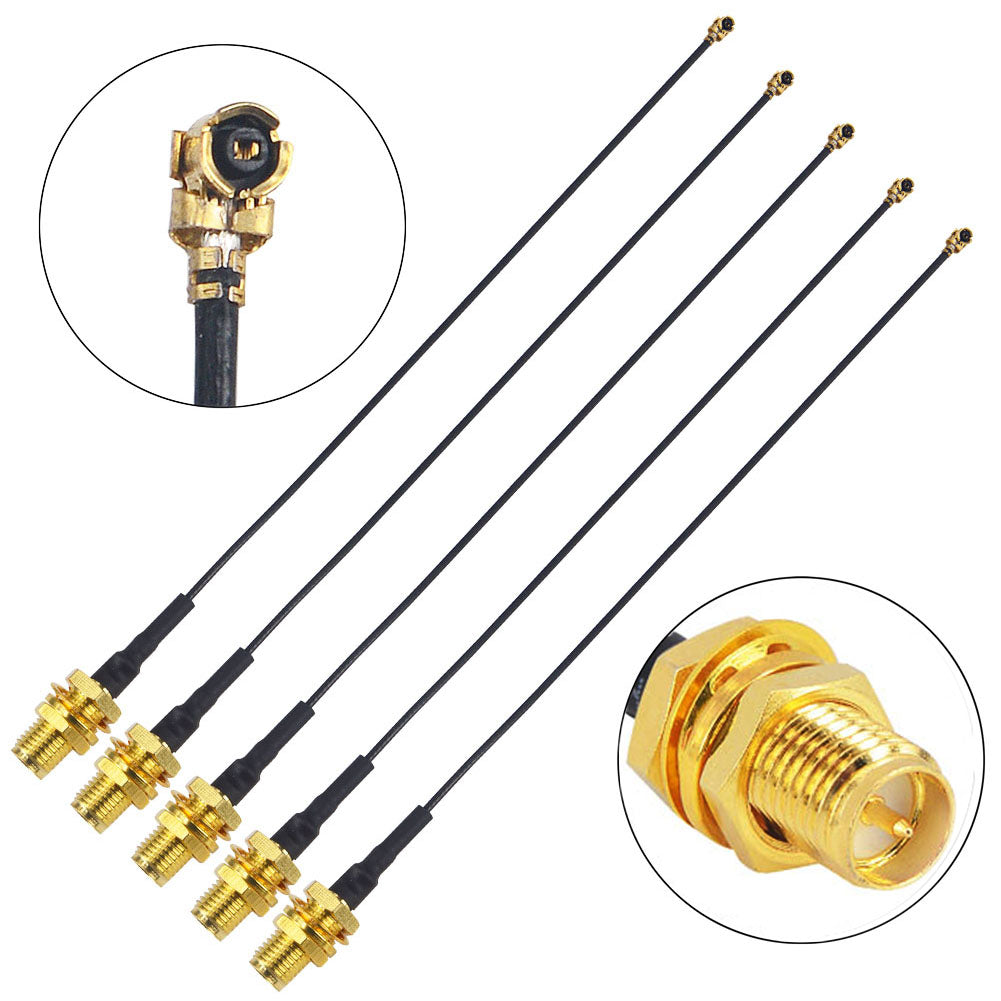
- 17CM Long for Extension u.fl to Reverse Polarity SMA antenna Adapter Cable;The Accessoried U.Fl Coaxial Pigtail Cables are Compatible with Most Laptop and Computer Mini PCI Network Card and Most Computer Motherboard that Built-in WiFi Network Card with U.FL External Antenna Connector Interface.
- 1.13mm Cable Black Color ufl sma Terminal Block,Wide application: Mobile phones, Antenna, WLAN, Mini PCI, Bluetooth, PDA, GPS, drone, transmitter, electronic measuring instrument
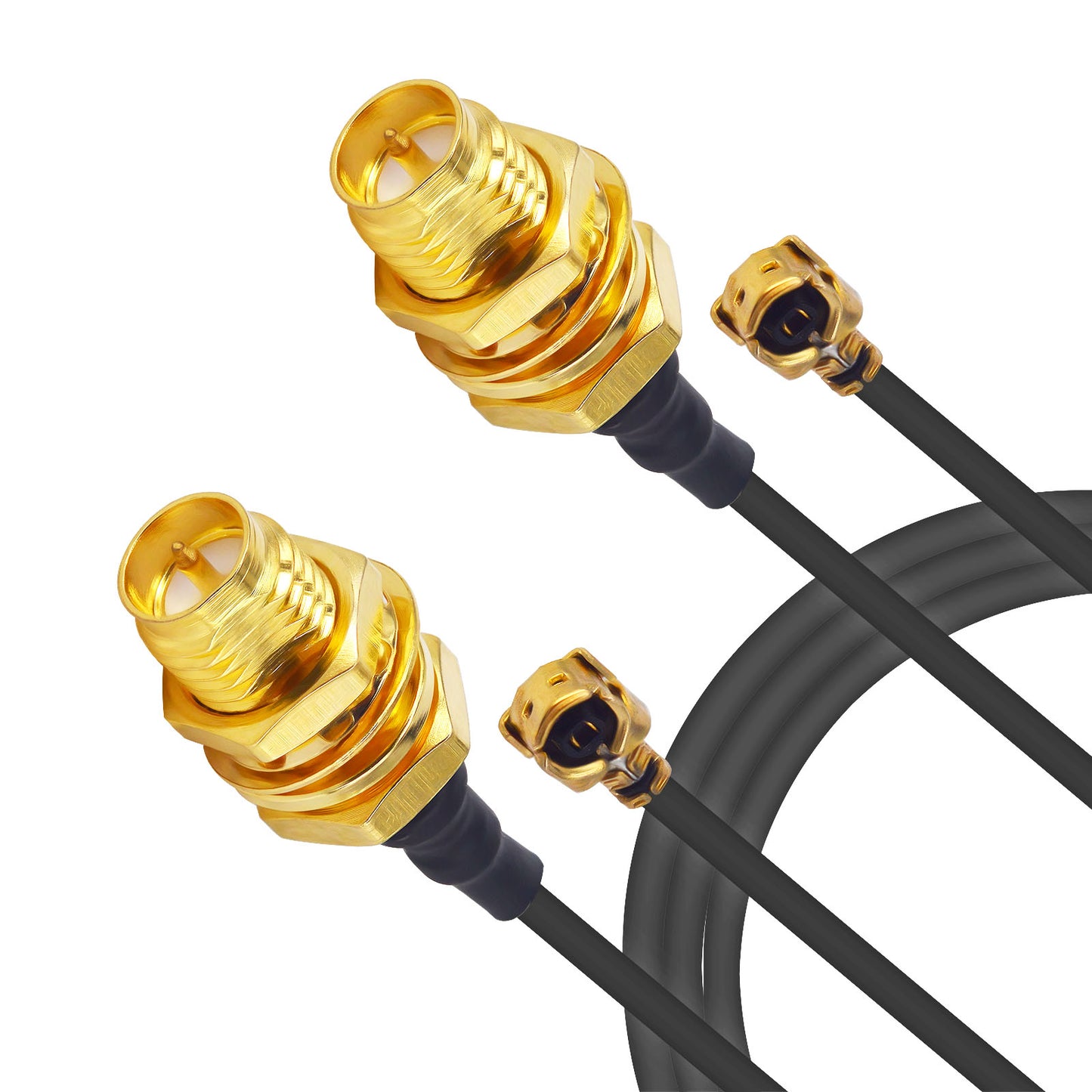
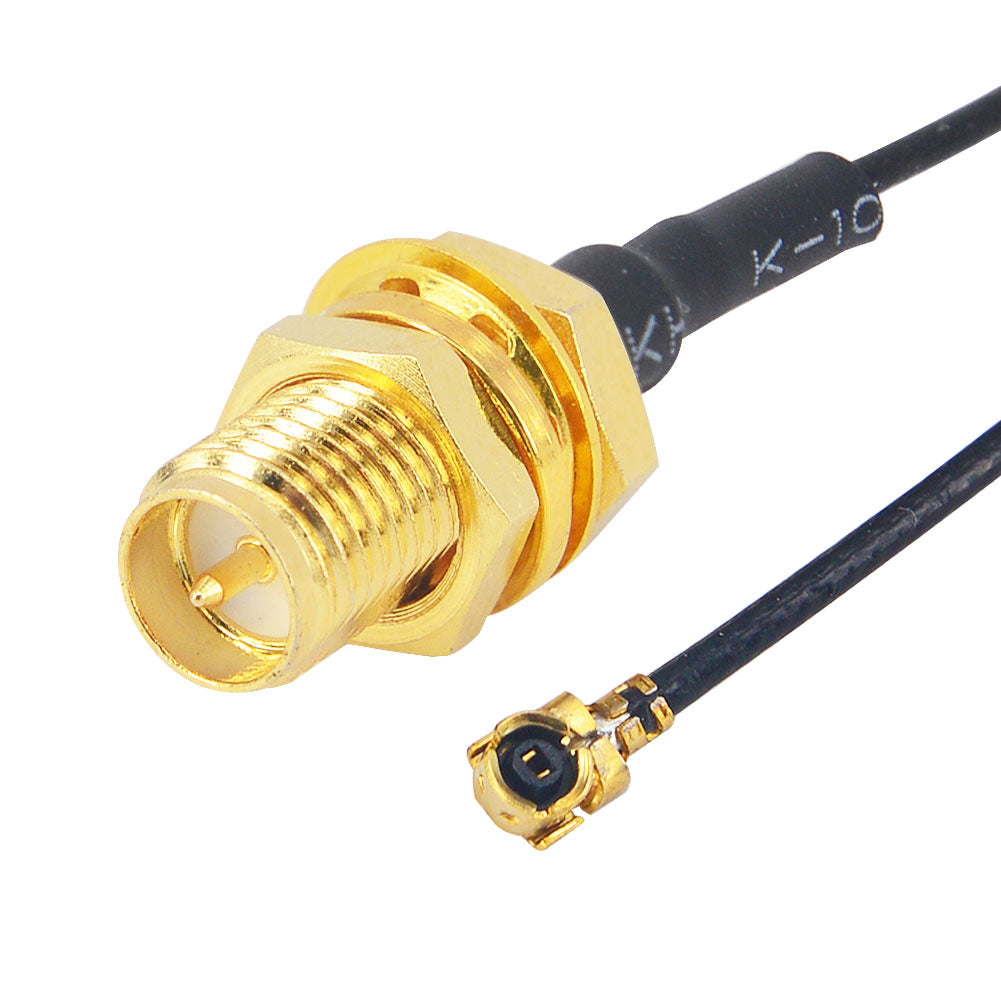
- Reverse Polarity SMA Female ( Pin in center ) to ufl Female Coaxial Connector,Help you connect Reverse Polarity SMA Male ( Hole in center, thread inside ) and ufl male connectors,The material of cable is 1.13mm mini-coaxial cable to ensure good conductivity and signal transmission. It's thin and flexible so that it can use in tight space.
- Widely used in Wireless Network Route, GSM system, Data transmission, Antennas car radio, Wireless Infrastructure, LAN system, RF device, Bluetooth, PDA, GPS, mobile phones, Test equipment.
- Package Content : 100 x Reverse Polarity SMA Female to UFL/U.FL 1.13mm Coaxial cable
This order was great. I think I purchased it for six dollars and expected only one pigtail, but two came and I was completely surprised. Now I use these for a project. I'll explain the project below. Know if you need any help with the same project or projects similar, let me know if I can help in anyway. I would be more than happy to help you out.I absolutely loved these panel antennas. These directional antennas I used to have them for my project. My project was to take my existing access point extender for my DJI phantom multi-copter. What I did was I purchased two pigtail connectors, and I drilled a hole in the phantoms repeater and connected the antenna parts on the circuit board.I mounted the directional antennas. you can use only one panel antenna if you want, but I decided to use to directional panel antennas because you can't beat the price. They do work and they work incredibly great with my phantom vision plus.I mounted them on my tripod. You could do something else and mounted on a pole with a base but I decided to purchase a tripod which was cheap because I found it at a thrift shop and it was broken. I fixed the parts on the tripod that were broken and I installed the access Point extender and I mounted the two directional panel antennas , one pointing more vertical and one pointing more towards the sky to capture the height and altitude of the drone and the other one antenna to cover the distance of the drone. You can use any router extender if you're not comfortable taking apart the phantom vision control repeater but keep in mind it is so easy to do the mod, but nonetheless you can get a different router or any router and configure it but remember you have to rebind the camera system and the access pointSo, I am extremely happy with my set up. I have my tripod. I have it extended all the way out, I purchased an attachment that holds an iPhone up to an iPad so that I could see it a bigger picture of my flight, I added the two antenna panels, added the access point, and I also decided to purchase a power bank and attach that to the tripod is well. The power bank I think is it 3200 or 5300 milliamps per hour. Has an indicator of the capacity of the power bank and it also has a cool flashlight on it. Which is useful when it gets dark and you're putting things away. The power bank is constantly connected to the access to charge while it's in operation. Overall a sweet success
Used these pigtails with the high gain antennas Alfa 9dBi WiFi Booster SMA OMNI-Directional High-Gain Screw-On Swivel Antenna With magnetic base for Alfa - WUS036H, WUS036H1W, WUS050NH, AIPW610H, AIP-W610H, APA05, WUS036NH, WUS036NEH, WUS048NH, WUS036EW, WUS051NH AIP-W502U, AP48, AP51, R36, IMESH51, ... to increase antenna tx/rx range on my Cisco Linksys E2000 router Cisco-Linksys E2000 Advanced Wireless-N Router. It's as pretty simple and straightforward install if you're comfortable with tinkering around a tad bit. Simply open the case (unscrew the case screws--you will need a special security torx bit), snap off the internal antenna's UFL connectors, snap on the UFL connectors on these pigtails, drill out two small holes in the exterior of this case next to the ports and screw the RP-SMA connector end of these pigtails into that hole. There you go, you now have RP-SMA connectors on the E2000 router to hook up to your external antennas!FYI--I converted my E2000 router with custom-made dd-wrt software so it has a LOT of features that are not standard on the E2000 (google for the instructions, it's relatively easy to do (again, if you are comfortable working with hardware flashing and custom ROMs, etc).
Very tight fittings
arrived on time and in good packaging. Well it is exactly as advertised. My only issue was that I needed a pigtail with wire leads to solder to the board, but I could not find any such animal. If any one knows where to find one, please let me know. In the meantime I had to gently strip this miniature coax cable to separate the thinner than hair bundles of wire to tin and attach them. Worked very well but for my new twitch in the eyes, haha. All kidding aside the product is very well constructed and works very well.
I made a modification to a device I have here. This Pigtail cable worked just fine.I suggest to people to be careful when installing these as they are fragile.I might have pulled on the end where the cable actually attaches to the Pigtail because the little middle connector got pushed in enough that it was not making a connection.I was wondering why my signal was not raising when i first installed it. I like how this purchase has 2 Pigtails inclosed !I was able to take apart my device & use the other one that came with it. It worked just fine.They work great just be careful when handling them installing them in whatever it may be you use them for.I could have used needle nose pliers to pull the middle connector back out but I don't own a pair yet.